This guide is for iThenticate users who need to manage deleted files and folders in their account. Learn how to restore items from the Trash, permanently delete individual files or folders, and empty the Trash to fully remove content from your workspace.
In this guide:
Restoring from the trash
- Select Trash from the sidebar.
- Select the item(s) you'd like to restore.
Hit Restore from the top of the page to restore your selected item(s) to My Files.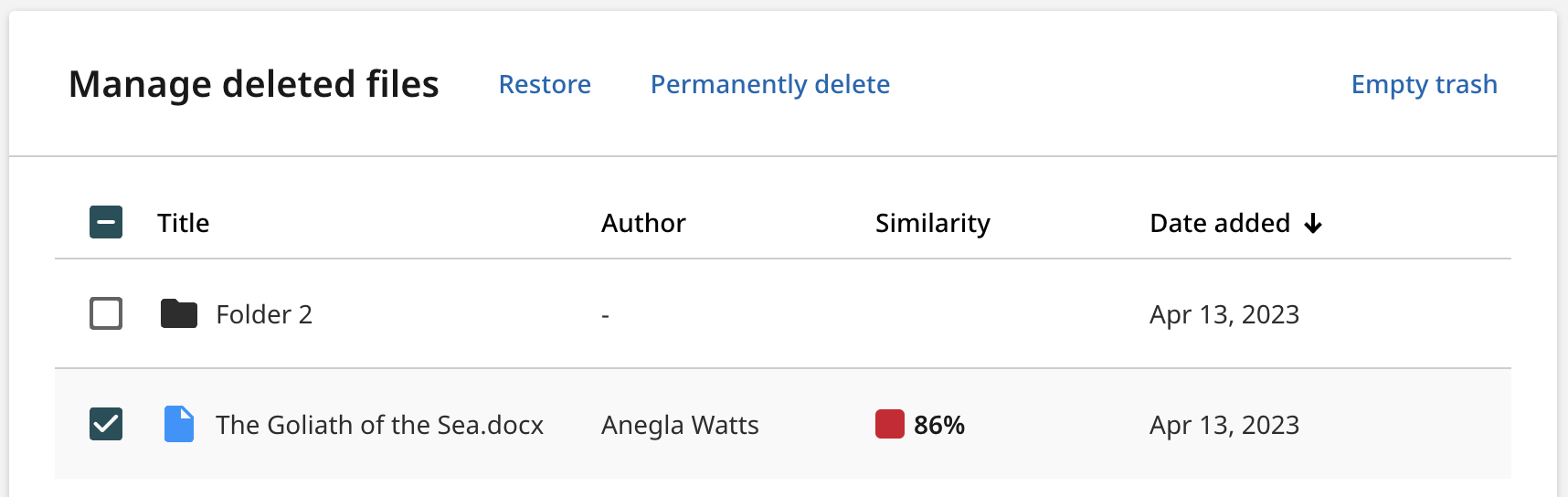
All restored items will be restored to their original location. If your item once lived in a folder that has since been deleted, the item will be restored to the top level of My Files.
Permanently deleting a file or folder
Permanently deleting a file will remove it completely from Turnitin. Permanently deleting a folder will remove all files within that folder completely from Turnitin. The files will be unindexed, meaning they won't be available to be matched against in other Similarity Reports.
Documents added to a private repository remain searchable and are used for comparison even after they are deleted, until they are permanently removed from the Trash. Once a document is deleted from the Trash, it will no longer be compared against future submissions. Please allow a few minutes for the deletion to process before the document is fully unindexed. After 90 days, the file is permanently erased from the system.
- Select the checkbox for the files or folders you wish to permanently delete.
- Select Permanently delete from the top of the page.
Emptying the trash
Emptying the trash will remove all files and/or folders completely from Turnitin. The files will be unindexed, meaning they won't be available to be matched against in other Similarity Reports.
- Select Trash from the sidebar.
-
Select Empty Trash from the top of the page to permanently delete all files and folders from the trash.
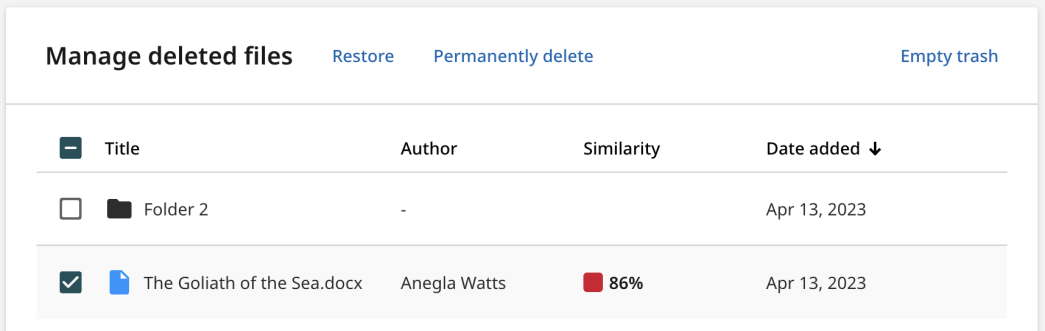
While it is possible to restore a file using the checkboxes, it is not possible to clear an individual file from the Trash. You must first restore the files you would like to keep, and then use Empty Trash fully.